Dear students, this page will be updated during the training. Please check it back regularly for updates.
Location
Material
Day 1
Before first Lab.
- Be aware of pop-up windows, example in Safari you need to click tiny icon in the right of the address bar to allow pop-ups.
- Labs have
High-Level Instructions, if you feel confident just try to do with them, if you need more help, you can follow theDetailed Instructions. - Labs have
Choice AandChoice Bas potential solutions, analise bouth and pick the one you think is correct. At the end of the lab you can check theSolutionto see right solution.
Pricing
All AWS pricing is public, you can check it on official AWS Documentation pages but also on AWS Calculator (an official service), as well as in some 3rd party providers that agregate and share that info in different formats to make easier to chose a service or region.
Some references:
AWS Well-Architected
AWS Well-architected Framework and Tool allow us guide us on how to make secure, high-performing, resilient, and efficient infrastructure for a variety of applications and workloads.
Day 2
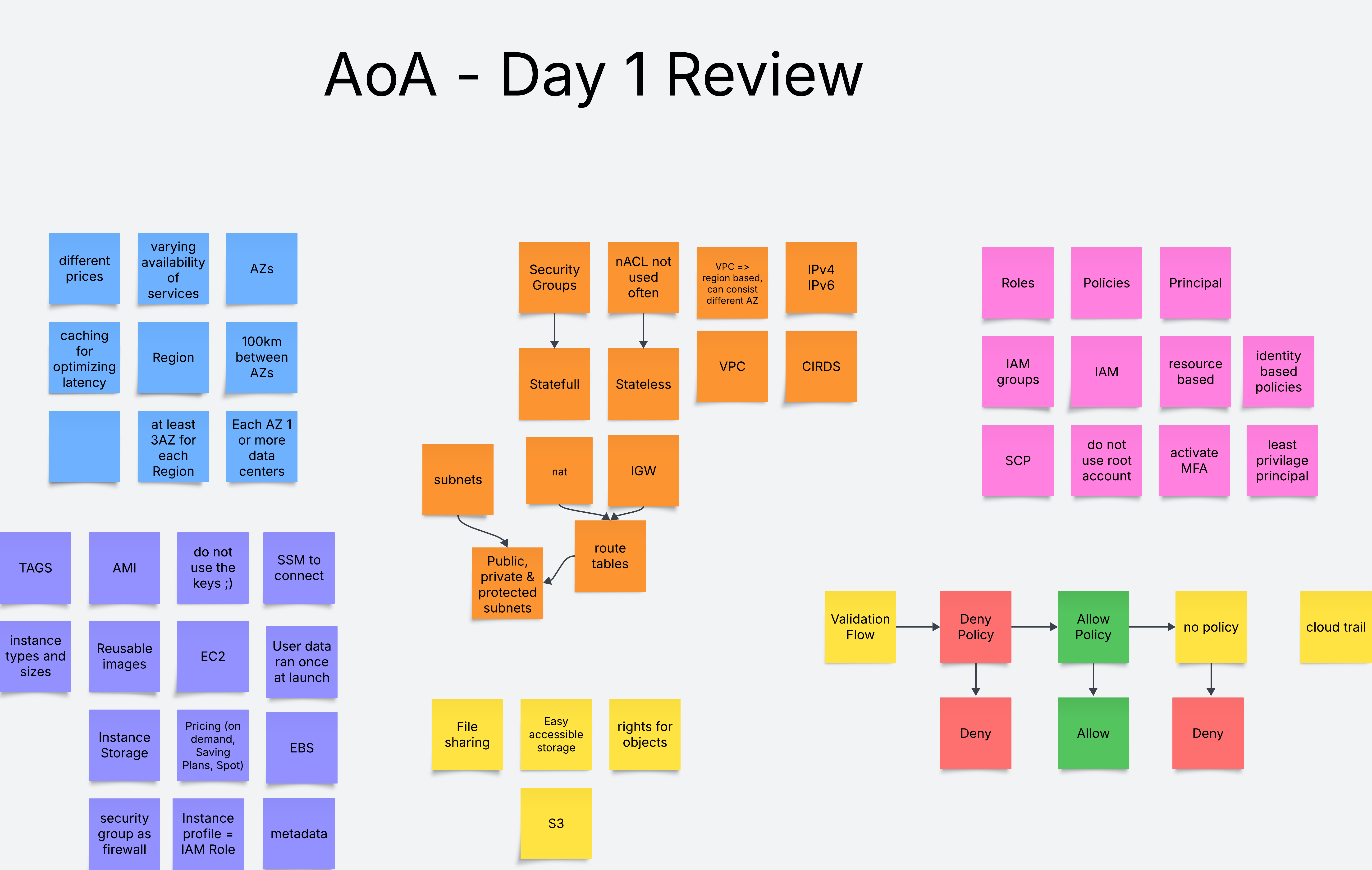
Day 3
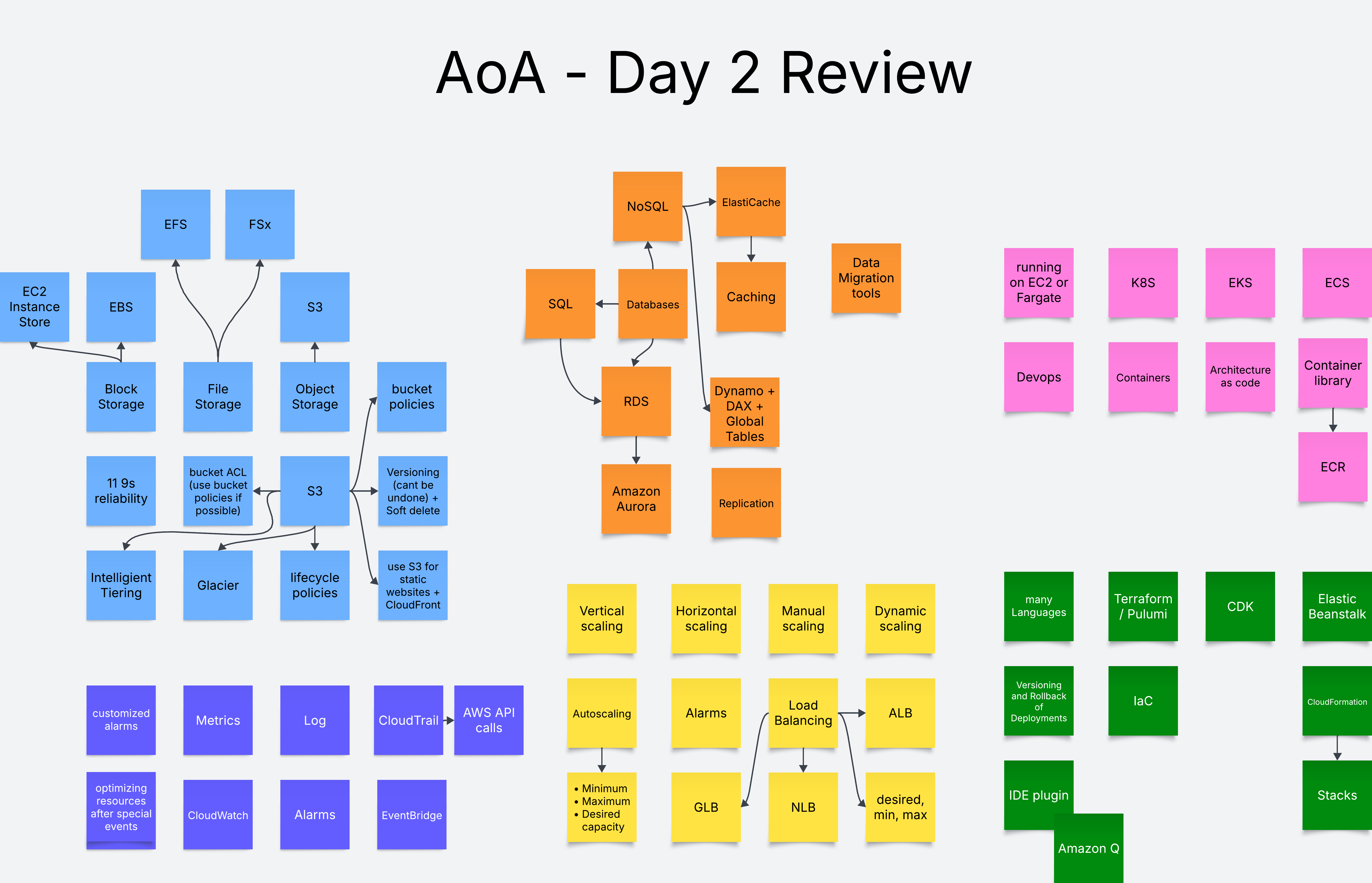
Content will be added here asynchronously.